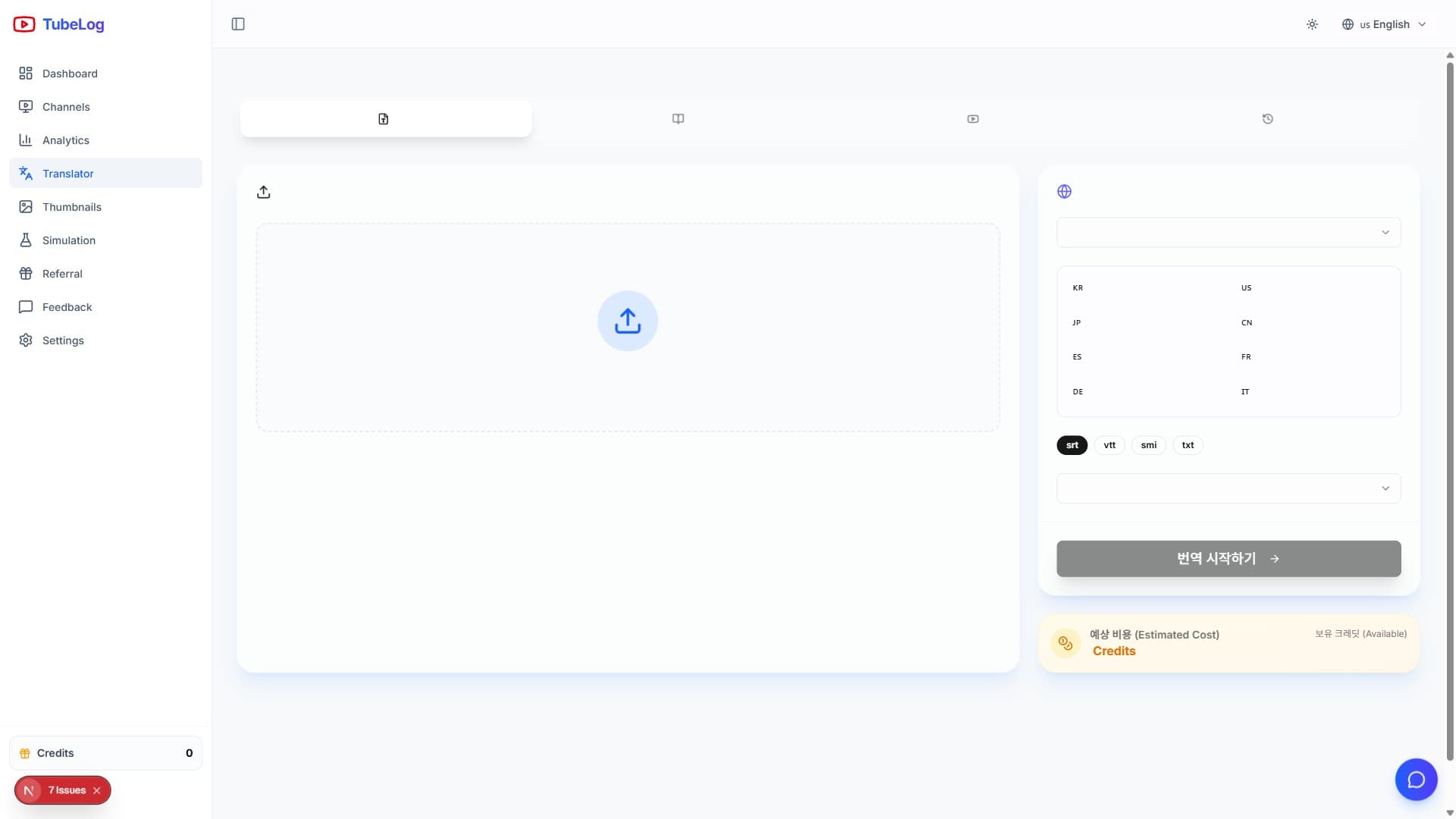
Translate, Review, and Publish Subtitles with TubeLogX
Translation can make a video easier to discover and understand for another audience, but adding languages is not a guarantee of international growth. Start with a clear audience reason and a reviewed source before scaling the workflow.
#Choose the Right Workflow
TubeLogX separates two related tasks:
- Subtitle file translation — upload a supported subtitle file, choose target languages, apply an optional glossary, and create downloadable outputs.
- YouTube metadata translation — select a connected channel and video, load its title and description, translate them, and keep the results as drafts until you apply them.
#Prepare the Source
Correct names, brands, product terms, and obvious transcription errors in the source. Confirm the source language and timing before translation. A glossary is useful for terms that should remain unchanged or use an approved translation.
#Select Languages from the Current Product
The language selector is the source of truth. Available languages can change with the workflow and provider, so avoid building a plan around a fixed count copied from an older article.
Review translation output by language before publishing
Compare the source, glossary terms, and translated draft, then choose which outputs to download or apply.
#Review the Estimate
Translation is usage-based. The displayed estimate can depend on source length and the number of chargeable target languages. TubeLogX may reserve the estimate while processing and records settled usage afterward. Check Settings → History when you need to reconcile a job.
#Review Before You Publish
Look for:
- names and terminology;
- line length and reading rhythm;
- missing or duplicated cues;
- punctuation and tone;
- title and description length in metadata drafts;
- cultural references that need adaptation rather than literal translation.
#Download or Apply Deliberately
Completed subtitle outputs can be downloaded. When a connected channel has the required permission, TubeLogX can also offer an explicit action to apply selected subtitles or localized metadata to YouTube. Translation completion alone never changes the video.
Keep a copy of the final source and outputs you need to retain. Read the detailed subtitle and metadata guide for the current interface and limitations.