Account Settings & Notifications
Manage your profile, notification preferences, sync schedules, and connected services
Account Settings & Notifications
Access account settings from the avatar menu in the top-right corner → Settings.
#Profile
| Field | Description | |-------|-------------| | Display Name | Shown in exports and reports | | Email | Login email, used for billing and notifications | | Avatar | Optional profile picture | | Timezone | Used for scheduling reports and showing dates in your local time |
#Connected Accounts
The Connected Accounts section shows every Google account you've linked to TubeLog. Each linked account can have multiple channels.
To add a new Google account:
- Click + Add Account
- Sign in with the Google account that owns the channels
- Grant the required scopes (see Connecting Channels)
To disconnect a Google account, click Disconnect next to it. This removes all channel data associated with that account from TubeLog. Your YouTube channel itself is unaffected.
#Sync Schedule
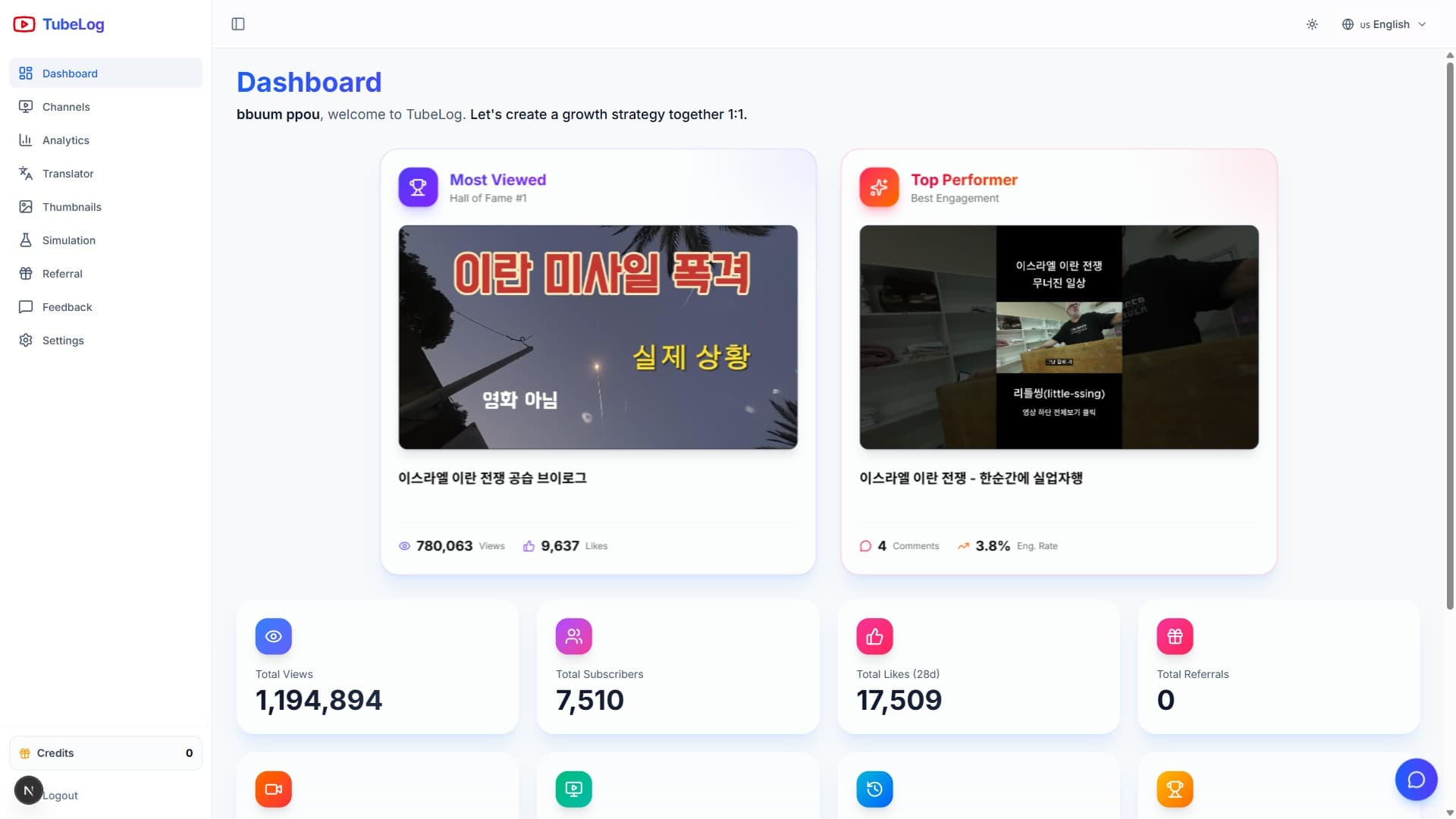
By default, TubeLog syncs all channels once daily at 02:30 UTC. You can customize this per channel:
| Plan | Sync Options | |------|-------------| | Free | Daily (02:30 UTC, fixed) | | Starter | Daily (choose time window) | | Pro | Every 6 hours | | Enterprise | Every hour (up to 24×/day) |
To change sync time:
- Go to Settings → Channels
- Click the ⚙️ icon next to the channel
- Select your preferred sync window
- Click Save
#Manual Sync
For immediate data refresh, click Sync Now from the channel list. Manual syncs count against your plan's monthly API quota. Free plans: 5 manual syncs per channel per month.
#Notification Preferences
Control which events trigger notifications:
#In-App Notifications
Always available regardless of plan. Shown in the bell icon (top nav).
| Notification | Trigger | |-------------|---------| | Milestone achieved | When a growth milestone is reached | | Sync complete | After each successful channel sync | | Sync failed | When a sync encounters an error | | Credit low | When translation/thumbnail credits drop below 20% | | New feature | Major product updates |
#Email Notifications
Configure under Settings → Notifications → Email.
You can control:
- Frequency: Immediately, daily digest, or weekly digest
- Types: Milestones, weekly summary, billing alerts, system notices
To unsubscribe from all non-critical emails, toggle Marketing emails to off. Billing and security alerts cannot be disabled.
#Data Privacy
#Deleting Your Account
To permanently delete your account:
- Go to Settings → Account → Danger Zone
- Click Delete Account
- Confirm by typing your email address
Account deletion:
- Immediately revokes all OAuth tokens (disconnects channels from TubeLog)
- Queues all your data for deletion within 30 days
- Is irreversible — contact support before proceeding if you have concerns
#Data Export
Before deleting, you can export all your data:
- Go to Settings → Account → Export Data
- Click Request Export
- You'll receive a download link via email within 24 hours
The export includes: channel stats (CSV), video metrics (CSV), thumbnail scores (JSON), milestone history (JSON), and account activity log (JSON).
#API Access
Pro and Enterprise users can generate personal API tokens for programmatic access:
- Go to Settings → API
- Click Generate Token
- Give it a descriptive name (e.g., "Zapier integration")
- Copy and store the token securely — it won't be shown again
Tokens provide read-only access to your channel data via the TubeLog REST API. See the API Reference for available endpoints.