Milestone Tracking
Set subscriber, view, and watch-time goals and track your progress with visual timelines
Milestone Tracking
TubeLog's Milestone system lets you set specific growth goals and automatically records the exact moment each one is achieved — like a time capsule for your channel journey.
#What Are Milestones?
Milestones are predefined or custom growth checkpoints. When your channel reaches one, TubeLog:
- Detects the achievement during the next sync
- Records the date, time, and channel stats at that moment
- Creates a timeline entry you can revisit years later
#Pre-Built Milestone Templates
TubeLog includes automatic detection for the most celebrated creator achievements:
| Milestone | Type | Auto-detected | |-----------|------|--------------| | 100 subscribers | Subscribers | ✅ | | 1,000 subscribers | Subscribers | ✅ | | 10,000 subscribers | Subscribers | ✅ | | 100,000 subscribers | Subscribers | ✅ | | 1,000,000 subscribers | Subscribers | ✅ | | 10M views total | Views | ✅ | | 100M views total | Views | ✅ | | 1,000 hours watch time | Watch Time | ✅ | | First video upload | Content | ✅ | | 100 videos uploaded | Content | ✅ |
#Creating Custom Milestones
Set any target that matters to you:
- Go to Milestones in the sidebar
- Click + New Milestone
- Choose the metric: Subscribers, Views, or Watch Time
- Enter your target value
- Optionally add a personal note (shown when the milestone is achieved)
- Click Save
TubeLog checks for achievement on every sync. You'll receive an in-app notification when the milestone is reached.
#The Growth Timeline
Every achieved milestone appears on your channel's Growth Timeline — a chronological record of every major achievement.
The timeline shows:
- Achievement date — exact day the milestone was reached
- Channel stats snapshot — subscriber count, total views, and video count at that moment
- Days since previous milestone — how long it took to go from the last milestone to this one
- Personal note (if you added one)
You can scroll back through years of growth and remember exactly what your channel looked like at each stage.
#Milestone Notifications
When a milestone is achieved:
- In-app banner appears on your dashboard
- The milestone is added to your Growth Timeline automatically
Note: Milestone detection happens during your scheduled sync. For Free/Starter plans (daily sync at 02:30 UTC), there may be up to 24 hours of delay between crossing a threshold and seeing the achievement recorded. Pro/Enterprise users with 6-hour syncs will see it faster.
#Progress Toward Next Milestone
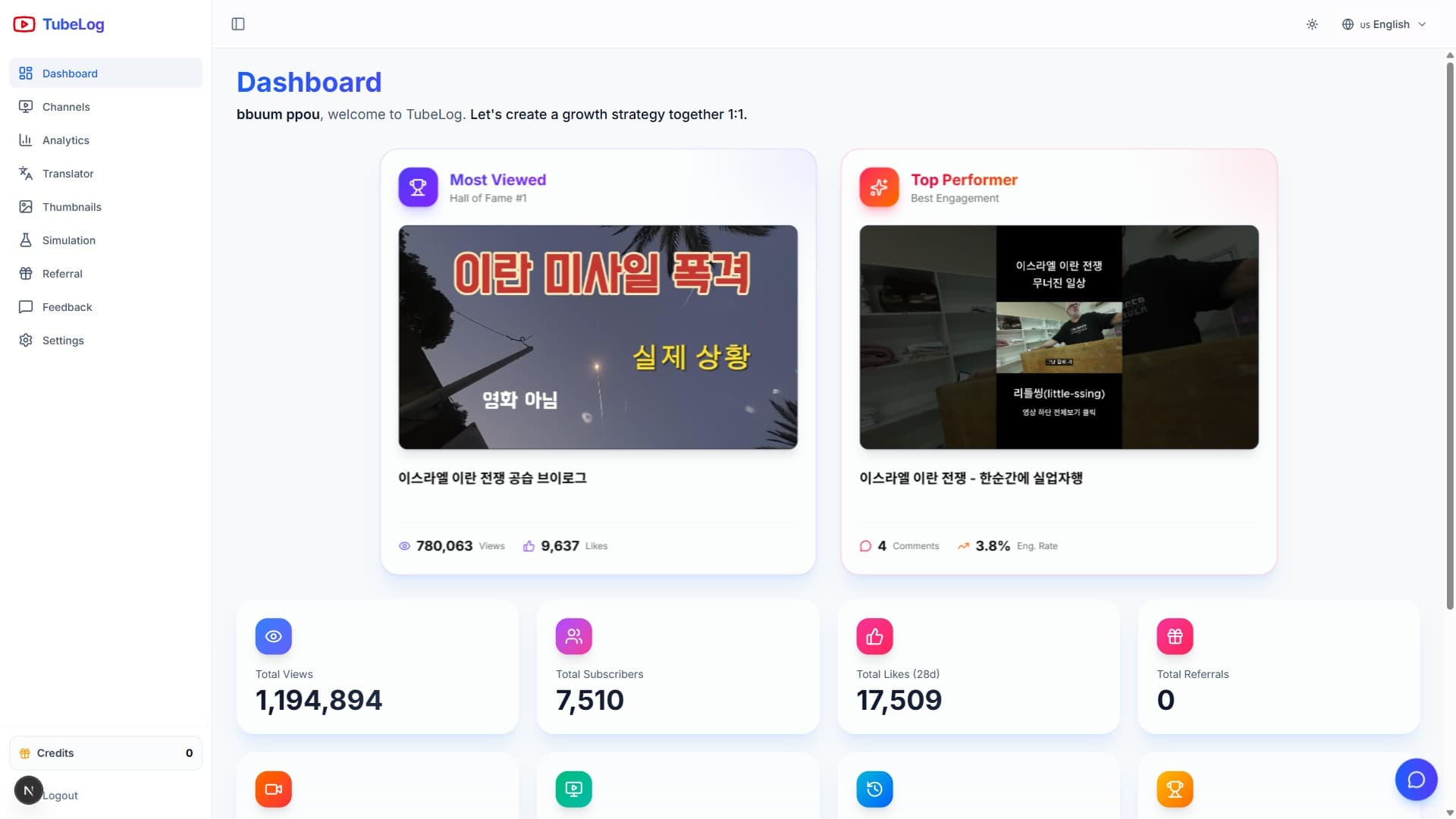
On your Dashboard, the Milestone Progress card shows:
- Your next upcoming milestone
- Current value vs. target
- Progress bar
- Estimated days to completion based on your recent growth rate
This projection is updated with every sync and uses a 14-day rolling average of your growth velocity to estimate arrival time.